





Favourites


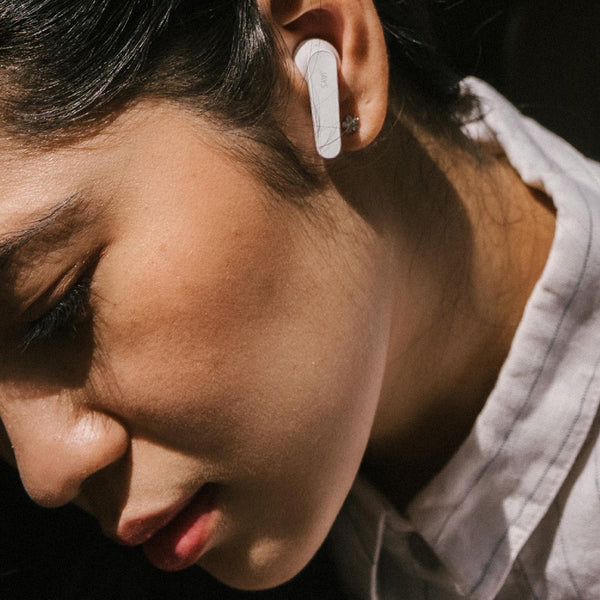
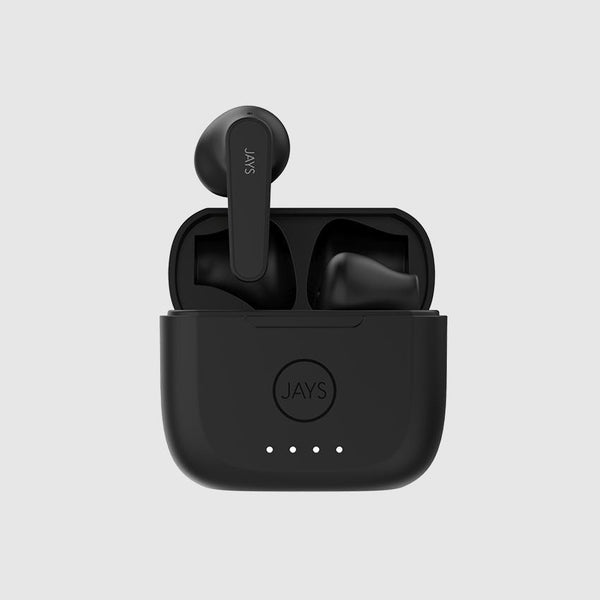


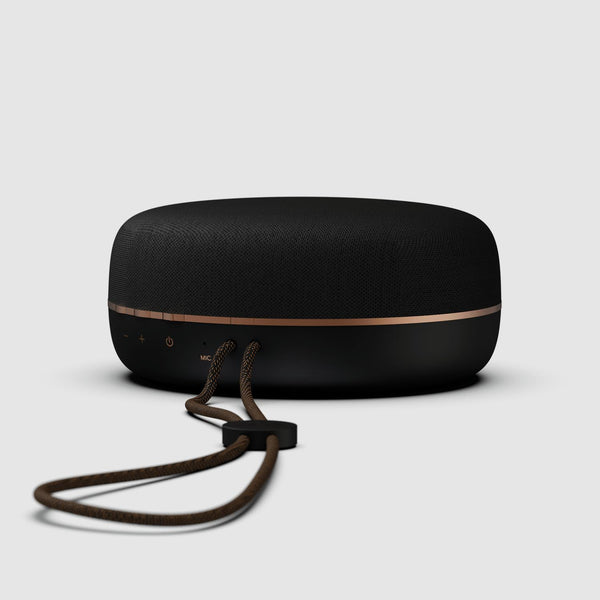
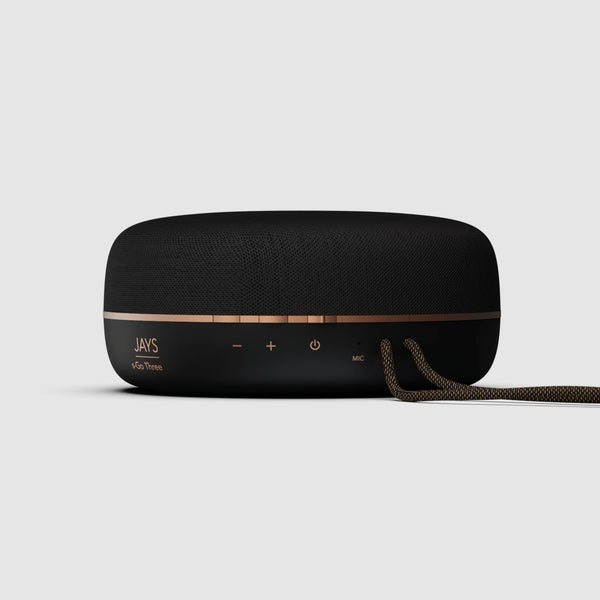


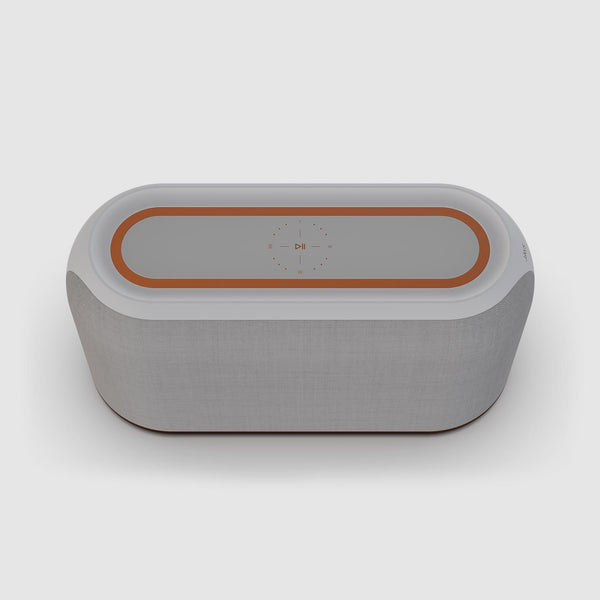



These are wonderful earbuds in a very small and handy pocket sized charging case.
m-Seven True Wireless

Comfortable, well packaged, brilliant sound. It’s a pretty great piece of kit with a dope battery life.
q-Seven Wireless
They are close to perfection: they offer a multitude of features to make you regret your AirPods Pro.
t-Seven True Wireless
This is JAYS
JAYS was founded in 2006 with a vision that everyone should have the opportunity to experience great sound and design. Two pioneering digital-music-entrepreneurs, Jens and Johan combined their skillset and founded Jays. Jens already had extensive experience from the world of digital music at this time. He founded the company Jens of Sweden in 2001. The name Jays was derived from the combination of the founders initials J+J.
With a clear focus on the effortless listening experience, JAYS engineered award winning headphones with tangle-free wire solutions, L-shaped plug and a great sound. The Swedish JAYS-team has since then continuously been developing headphones with a minimalistic approach, where nothing but improved performance and cleaner aesthetics has been added.
Today, JAYS is known for great sounding and great looking digital sound products with an effortless interface.


